
Creating a personal website can seem challenging. But it’s simpler than you think.
A personal website showcases your skills, achievements, and personality online. It’s like having your own digital business card. Whether you want to share your portfolio, start a blog, or create an online resume, a personal website helps you stand out.
In today’s digital age, having a personal website is crucial. It gives you control over your online presence. You can tailor it to reflect your unique style and brand. Plus, it’s a great way to showcase your work to potential employers or clients. This guide will walk you through the steps needed to create your own personal website. From choosing a domain name to designing your site, we’ll cover everything you need to know. Ready to get started? Let’s dive in!
Table of Contents
Introduction To Personal Websites
A personal website helps you showcase your skills and achievements. It acts as a digital resume where people can learn more about you. It also helps in building your online presence. Many employers and clients search for candidates online. Having a website makes it easier for them to find you. It gives you a place to share your projects and ideas. A website allows you to express yourself in a professional way.
It makes you look more professional. You can control what people see about you. You can network with others in your field. It can help you stand out from others. A personal website can also showcase your expertise. It is a great way to share your work and get feedback. You can also use it to promote your services. A website can be a tool for your personal growth.
Planning Your Website
Think about why you want a website. Is it for a blog? A portfolio? Or to sell products? Understanding your goal will help you make better decisions. Write down your main goals. This will keep you focused. It will also help others understand your website’s purpose.
Know who will visit your website. Are they young people or adults? Do they speak your language? What are their interests? Answering these questions helps you create content they will love. It also helps in designing the layout. The more you know about your audience, the better you can serve them.
Choosing A Domain Name
Pick a name that is short and easy to remember. It should reflect your brand or content. Avoid using numbers or hyphens in your domain name. They can make it hard to remember. Try to choose a .com extension. It is more common and trusted.
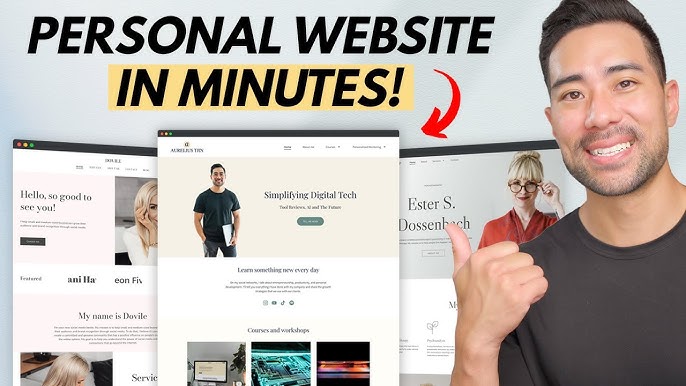
Use a trusted domain registrar like GoDaddy or Namecheap. These services help you register your domain. Search for your chosen domain name on their site. If it is available, you can buy it. Prices vary, but many domains cost around $10 to $15 per year.
Credit: www.youtube.com
Selecting A Web Hosting Service
There are different types of web hosting. Shared hosting is the most common. It is also the cheapest. Your website shares a server with others. This is good for beginners. VPS hosting is more advanced. It gives you more control. Dedicated hosting is the best. You get your own server. This is for large websites. Cloud hosting is new. It is fast and reliable. Choose based on your needs.
Some hosting providers are best for beginners. They are easy to use. They offer good support. Here are some top choices:
- Bluehost – Good for WordPress. Offers free domain.
- HostGator – Very affordable. Has a simple control panel.
- SiteGround – Excellent support. Fast servers.
- DreamHost – Reliable. Offers free SSL.
Designing Your Website
Pick a website builder that fits your needs. Some popular options are Wix, Squarespace, and WordPress. These tools help you create a site without coding. They offer easy-to-use drag-and-drop features. Consider your budget. Some builders are free, while others need a subscription. Check what each tool offers. Look at templates, support, and customization options.
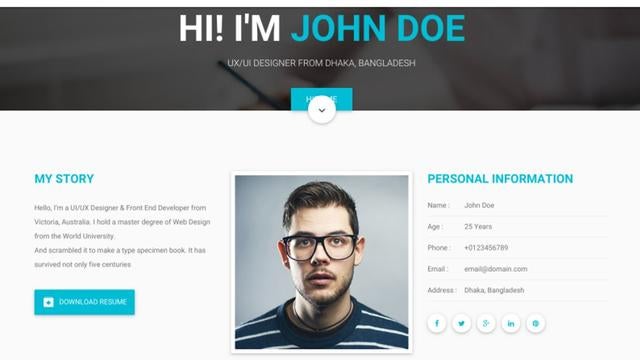
Choose a template that matches your style. Templates are pre-designed layouts. They make your site look professional. Many builders offer a variety of themes. You can find ones for blogs, portfolios, and more. Think about your site’s purpose. A clean, simple design works best. Customize the template to fit your needs. Change colors, fonts, and images.
Credit: www.jobteaser.com
Creating Content
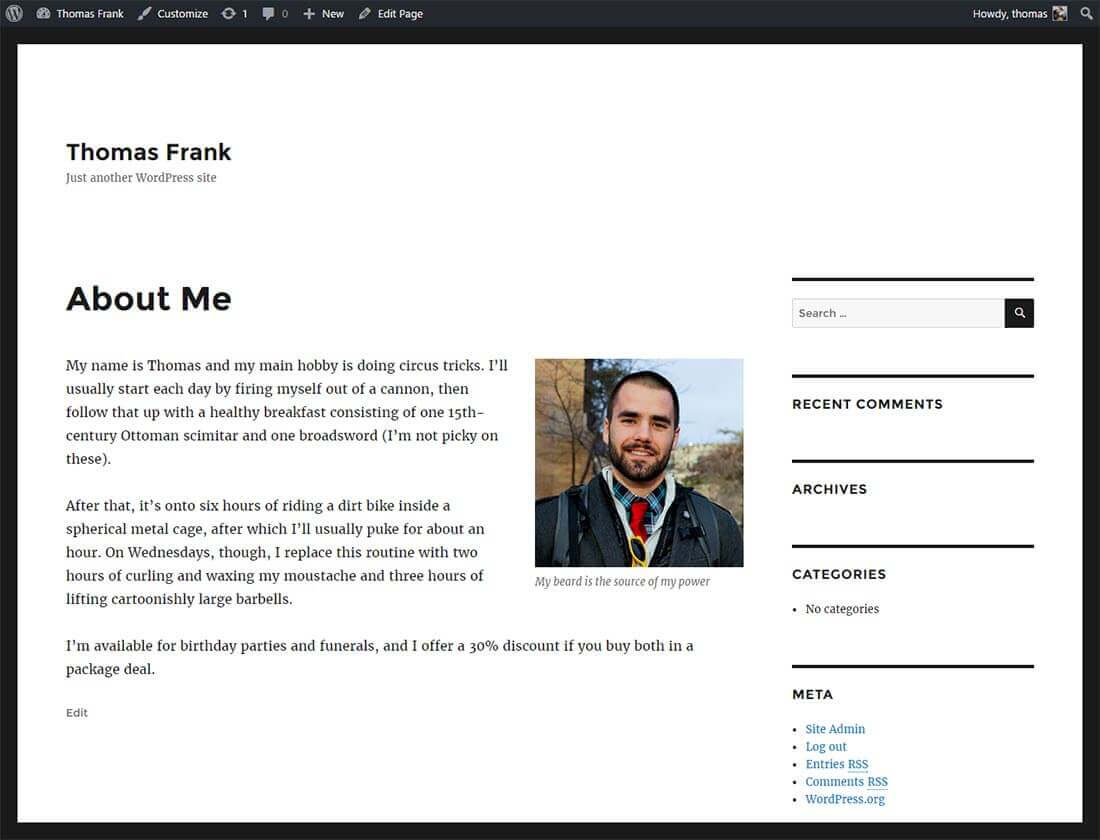
A personal website needs a few key pages. Home Page introduces you. About Page tells your story. Portfolio Page shows your work. Blog Page shares your thoughts. Contact Page lets people reach you. These pages form the core of your site. They help visitors know you better. They guide them through your site. They make your site user-friendly. Make sure each page is clear and well-organized. This helps visitors find what they need.
Write short, clear sentences. Use simple words. Engage your readers. Ask questions. Share interesting facts. Use bullet points for lists. Break up text with headings. This makes content easy to read. Always check for spelling mistakes. Use active voice. Keep paragraphs short. Your content should be easy to scan. This keeps readers interested. Add images to make your content lively. Update your content regularly. This keeps your site fresh.
Optimizing For SEO
Use keywords in titles, headings, and text. Make sure your content is relevant and valuable to readers. Add alt text to images. Ensure your website is mobile-friendly. Fast page load times are important. These strategies help search engines find your site.
There are many tools to help with SEO. Some popular ones include:
- Google Analytics for tracking visitors.
- Google Search Console for monitoring site health.
- Yoast SEO for optimizing WordPress sites.
- SEMrush for keyword research.
- Ahrefs for backlink analysis.
These tools provide valuable insights to improve your site’s SEO.
Launching Your Website
Check your website on different devices. Make sure it looks good on all screens. Test all links. They should work. Check for any spelling or grammar mistakes. Fix them. Ensure all images load quickly. Slow images can annoy visitors. Double-check contact forms. They should send messages to your email. Make sure your website is secure. Use strong passwords.
Share your website link on social media. Tell your friends and family. They can help spread the word. Write a blog post about your new website. Include the link. Join online groups. Share your website there. Add your website link to your email signature. Every email you send can promote your site. Consider using online ads. They can reach a larger audience.
Maintaining Your Website
Keep your website fresh. Update content regularly. Add new blog posts. Refresh old information. This keeps visitors engaged. It also improves your SEO. Don’t forget backups. Always back up your website data. Do this weekly. Use reliable tools. This protects your hard work. In case of issues, you can restore it quickly.
Check your website traffic. Use tools like Google Analytics. See how many people visit. Look at the pages they like. Understand their behavior. This helps improve your site. Focus on popular content. Enhance less visited pages. Track progress over time. Adjust strategies as needed. This keeps your site effective.
Credit: collegeinfogeek.com
Frequently Asked Questions
What Is A Personal Website?
A personal website is an online space that showcases your personality, skills, and interests. It serves as your digital resume or portfolio.
Why Do I Need A Personal Website?
A personal website helps you stand out, showcase your work, and build an online presence. It enhances your professional credibility.
How Do I Start Creating A Personal Website?
Start by choosing a domain name and a hosting provider. Then, select a website builder or CMS like WordPress.
What Should I Include On My Personal Website?
Include your bio, resume, portfolio, blog, contact information, and links to social media profiles. Make it visually appealing and user-friendly.
Conclusion
Creating a personal website can be simple and rewarding. Follow the steps shared. Choose the right platform. Design with your audience in mind. Add engaging content. Optimize for search engines. Regularly update your site. Your personal website reflects you. Make it unique and professional.
Keep learning and improving. Soon, you’ll have a website to be proud of. Happy creating!
Leave a Reply